The wallet you installed from a search ad
Drainers increasingly arrive as software you install rather than a site you visit — a browser extension, a store listing, an update prompt. What to check before a wallet touches your keys.
Short answer
A fake wallet extension or app asks for your recovery phrase during setup and forwards it. Install only from the project's own site, reached by typing the address rather than following a search result or ad, and check the publisher, install count and review history before adding it. No legitimate wallet ever asks for a recovery phrase to import or verify an existing one over the internet.
On this page
- Why installed software is the better attack
- How they reach you
- What to check before installing
- The line that ends most of it
- Reducing what an install can cost you
- If you typed a phrase into something
- What is a wallet extension, exactly?
- How does a fake wallet extension compare to a phishing site?
- The 4 checks that take under 2 minutes
Most guidance about drainers describes a website that asks you to sign something. That is still the common case, but a growing share of losses start earlier — with software you installed on purpose, believing it was the wallet you were looking for.
Why installed software is the better attack
A phishing site gets one signature. An extension gets everything:
- It can read every page you open, including your other wallet's interface.
- It can alter what a page shows — the recipient address, the amount, the token — after your real wallet has been told something different.
- It runs on every visit, indefinitely, without you returning to any particular site.
- If you typed a recovery phrase into it, no signature was ever needed.
That last one is the whole game. An extension that persuades you to "import" or "verify" an existing wallet has the seed, and a seed is not revocable.
How they reach you
Search advertising. An ad for the wallet's name, above the real result. This is the single most common route and the one people least expect, because a paid placement looks more official rather than less.
Store listings. Both browser and mobile stores carry impostors — the real name with a character changed, or the real name with a different publisher. Review moderation is not instant, and a listing that survives a week has done its job.
Update prompts. A page that tells you your wallet is out of date and offers the update. Real wallets update through the store or in-app, never through a link on a third-party site.
Compromised support channels. A Discord or Telegram moderator account posting a "fixed version". Support that reaches out to you first is not support.
What to check before installing
- Reach the download by typing the project's address, or from a link you saved earlier. Not a search result, and certainly not an ad.
- Check the publisher, not the name. Extension and app stores show who published the listing; compare it against the project's documented publisher.
- Look at install count and review dates. A wallet with a large real user base has years of reviews. A listing with thousands of installs and reviews all from the last month is bought.
- Read the permissions. A browser wallet needs to interact with pages, which is broad by nature — but be suspicious of one requesting access to your browsing history, downloads or file system.
- Check the open-source repository, if the project has one, and whether the published build corresponds to it. Not everyone can verify a build, but a project with no repository at all is a different risk category.
The line that ends most of it
No legitimate wallet asks for your recovery phrase to import, verify, restore or unlock anything over the internet.
A wallet you set up yourself generates a phrase and asks you to write it down. A wallet you restore asks you to type it on the device, into the app you installed deliberately. Any prompt outside that — a web page, a support chat, a form, an email, an extension you found today — is the attack, whatever it says about migration or verification.
Reducing what an install can cost you
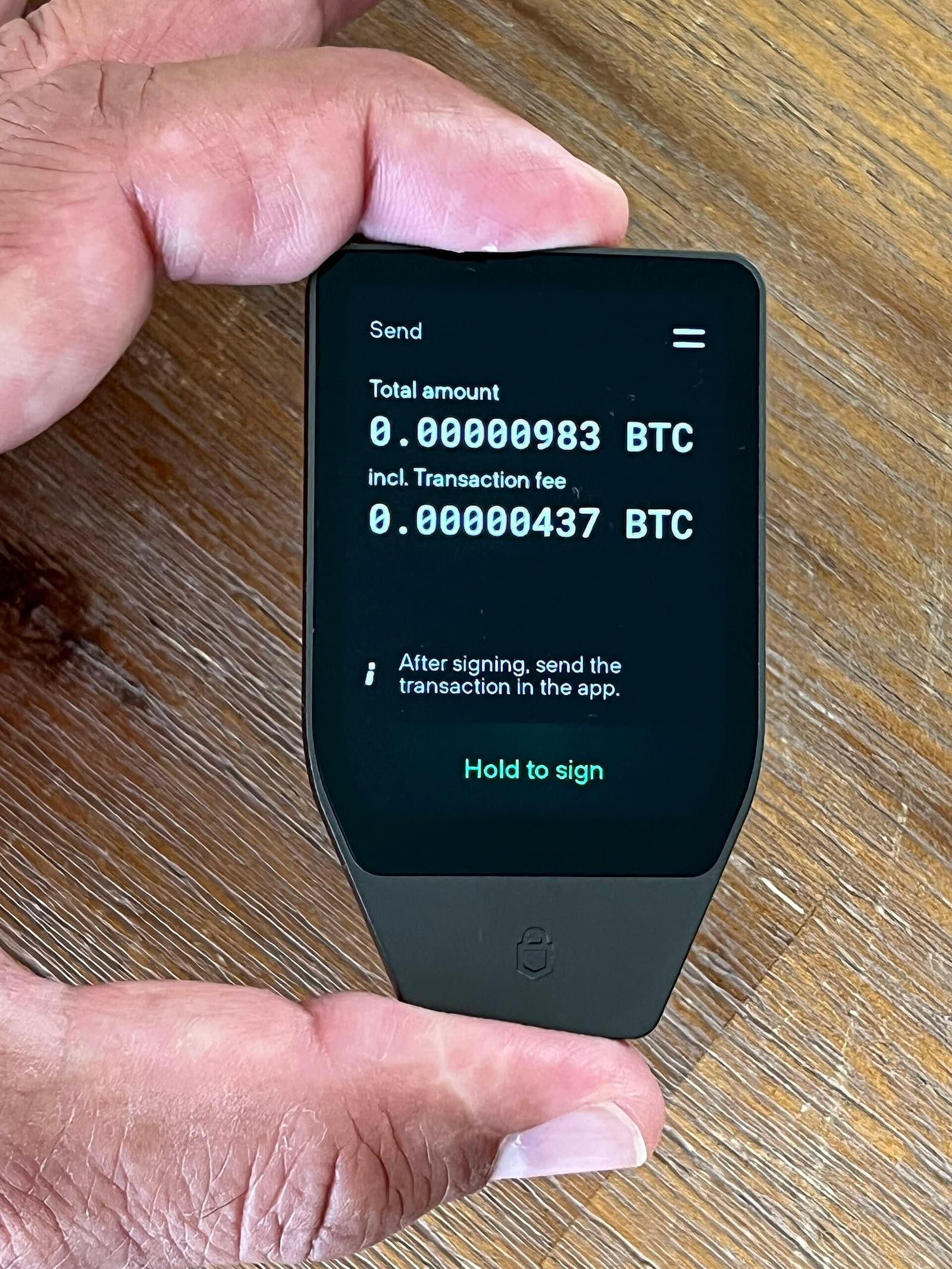
- Keep long-term holdings in a wallet that does not browse. A hardware wallet, or a separate address whose seed has never been typed into anything connected.
- Use a separate browser profile for wallet activity, with no other extensions. Extensions can read the pages you visit; fewer of them is a smaller surface.
- Audit your extensions periodically. Removing one you no longer use costs nothing, and an extension that changed hands after you installed it does not announce itself.
- Turn off automatic extension updates if your browser allows it and you hold meaningful value, since ownership transfers are a real route by which a good extension becomes a bad one.
If you typed a phrase into something
Treat that seed as public, immediately.
- Generate a new wallet from a new seed, on a device you trust, and move everything now. Speed matters more than tidiness.
- Do not send funds to the old address again, ever, for any reason.
- Remove the extension or app, and check your browser's extension list for anything else you did not add.
- Ignore recovery offers. Nobody can reverse a confirmed transaction, and the people who contact you claiming otherwise found you on a list of victims.
What is a wallet extension, exactly?
A wallet extension is a browser add-on that holds keys and signs transactions inside the page you are looking at. It sits between you and every site you visit, which is what makes it convenient and what makes a hostile one so effective.
The permission it needs — read and change data on all sites — is the broadest a browser grants. A legitimate wallet extension uses it to inject a connection interface into pages. A malicious one uses it to read the pages, alter what they display, and collect anything you type.
How does a fake wallet extension compare to a phishing site?
| Phishing site | Fake wallet extension | |
|---|---|---|
| What it gets | One signature you approve | Every page, every visit |
| How long it lasts | The session | Until you remove it |
| Can it alter what you see | Only its own page | Any page, including your real wallet |
| Needs your seed phrase | No | Often asks, and people give it |
| Visible afterwards | In your approvals | Only in your extension list |
The row that matters is the last one. An approval you regret is enumerable — Revoke.cash lists them. An extension is not listed anywhere except a settings page nobody opens.
The 4 checks that take under 2 minutes
- Reach the download by typing the project's address. Not a search result. In 2024 and 2025 the majority of reported extension impersonations arrived through paid placements above the genuine result.
- Compare the publisher against the project's documented one. Names are copyable; publisher identities are less so.
- Read the review dates. A wallet extension with 40,000 installs and every review from the last 3 weeks has bought both.
- Check whether an open repository exists and whether the listing points at it.
Then apply the rule that costs nothing: a wallet extension you did not go looking for is one you do not install today. Wait a day, reach it by your own route, and the entire category of ad-delivered impersonation stops working.
See also our guide to reading token approvals before signing, the transaction safety checks that catch a bad recipient, and what to do about suspicious addresses already in your history.
A wallet extension is only as trustworthy as the route you took to install it. That is an unsatisfying conclusion, because it puts the decision before the software rather than in it — but it is the only one that holds when the listing, the icon, the reviews and the certificate can all be bought for less than the first victim is worth.
Frequently asked questions
- How can a fake wallet appear in an official store?
- Review moderation is not instant, and impostor listings copy the real name, icon and description. A listing only needs to survive days to be worth publishing, so store presence is not verification.
- Is a browser wallet extension inherently unsafe?
- No — the major ones are used by millions. The risk is installing the wrong one, which is why reaching the download by typing the project's address matters more than any permission you can inspect afterwards.
- What if I only connected, without typing my phrase?
- Then the extension has whatever you signed, not your keys. Revoke approvals on the affected address, move funds if the value is significant, and remove the extension.
- Why is a search ad a warning sign?
- Because a paid placement can be bought by anyone, including someone impersonating the project, and it appears above the genuine result. The position implies authority it does not carry.
Sources
- Crypto wallet drainers — Group-IB
- Chrome Web Store review process — Chrome Developers
- BIP-39: Mnemonic code for generating deterministic keys — Bitcoin Improvement Proposals
Published by
Riskira
Practical guides and insights about crypto wallet risk, blockchain security, suspicious addresses, transaction safety, Web3 scams, and wallet analysis.
About the publication